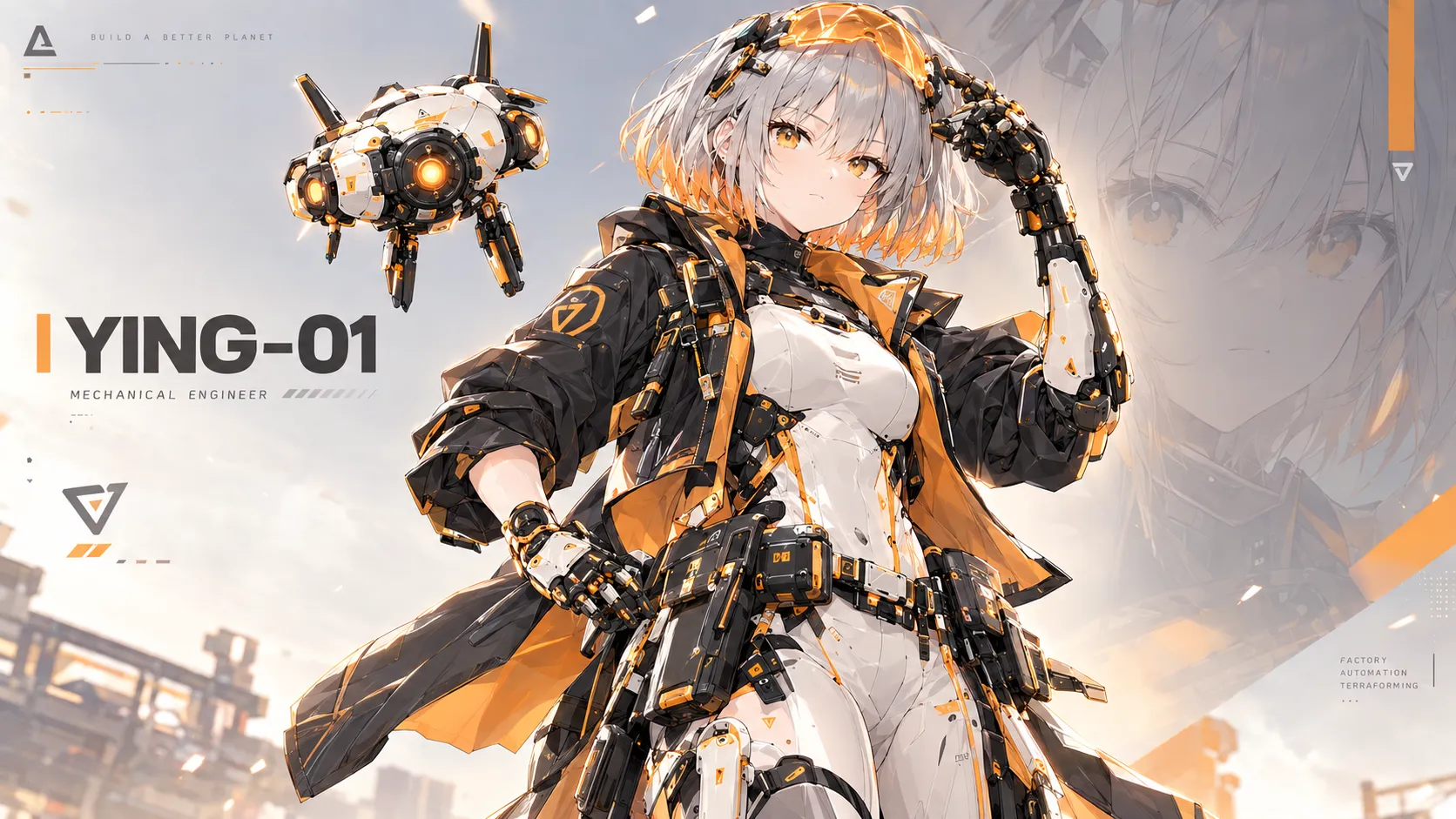
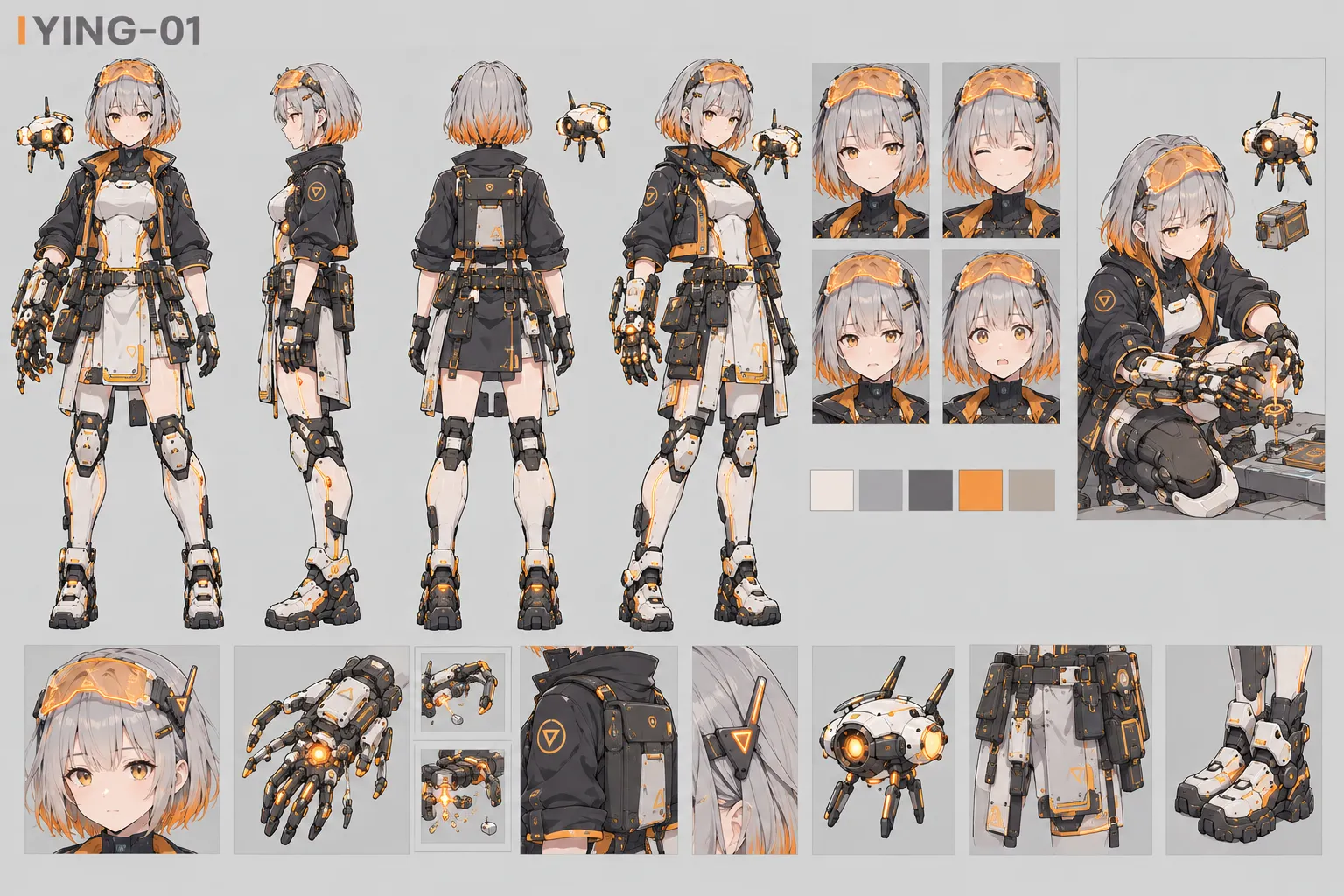
In the post about our three characters, we already generated Ying’s character sheet:
This post documents her top-down sprite asset on the game map. Here’s the final result (left to right: south, east, north, west; walk → stop → idle):
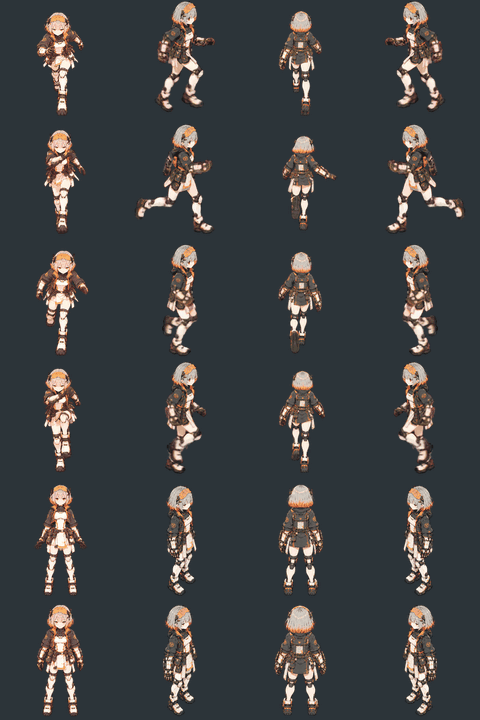
I’m not thrilled with it (´;ω;`), but for an asset barely a hundred pixels tall in-game, it’s good enough for now — and it’s far better than anything I got along the way.
Here’s my blooper reel ( ´•︿•̥ )
Bloopers
1. A flat-angle anchor
The first step was a four-direction “anchor” sheet that every later frame would follow. My first one was drawn at eye level. On its own it looked fine, but every building in the game is drawn from roughly a 35° top-down angle, so the character looked like a sticker pasted onto the scene.
2. Gemini Flash: the whole walk in one long strip
Simple idea: have the model draw one 8:1 strip, eight cells, eight frames. The lower the body went, the blurrier it got — the legs basically dissolved — and every cell had a different background color, so keying it out was hopeless.

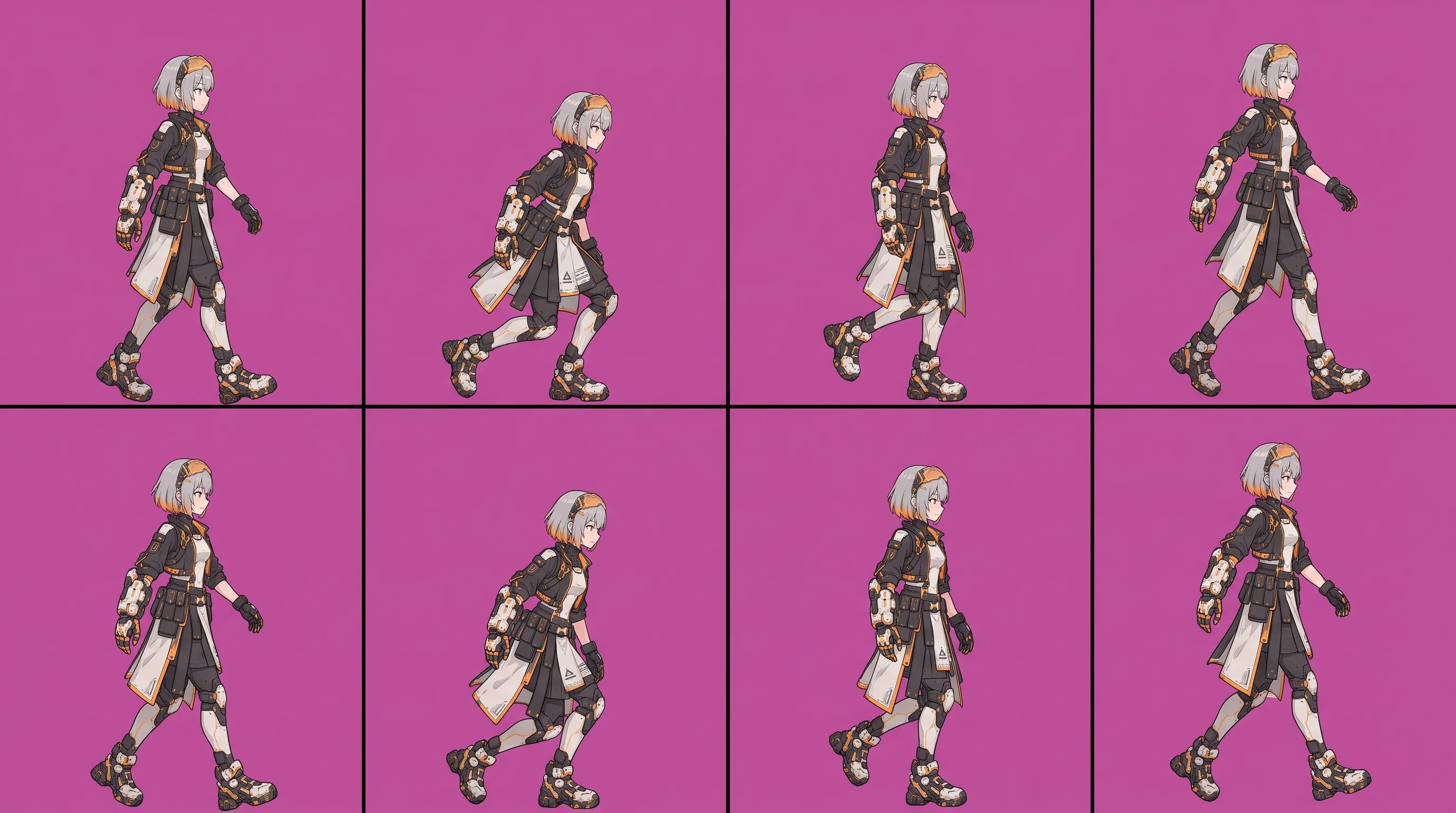
3. Gemini Pro: a grid
Next I had the stronger Pro model draw a 2×4 grid. Honestly it looked good — but I asked for a front view and got a side view, the steps didn’t flow from cell to cell, and the background wasn’t a clean color I could key out.
4. ChatGPT: every frame in one image
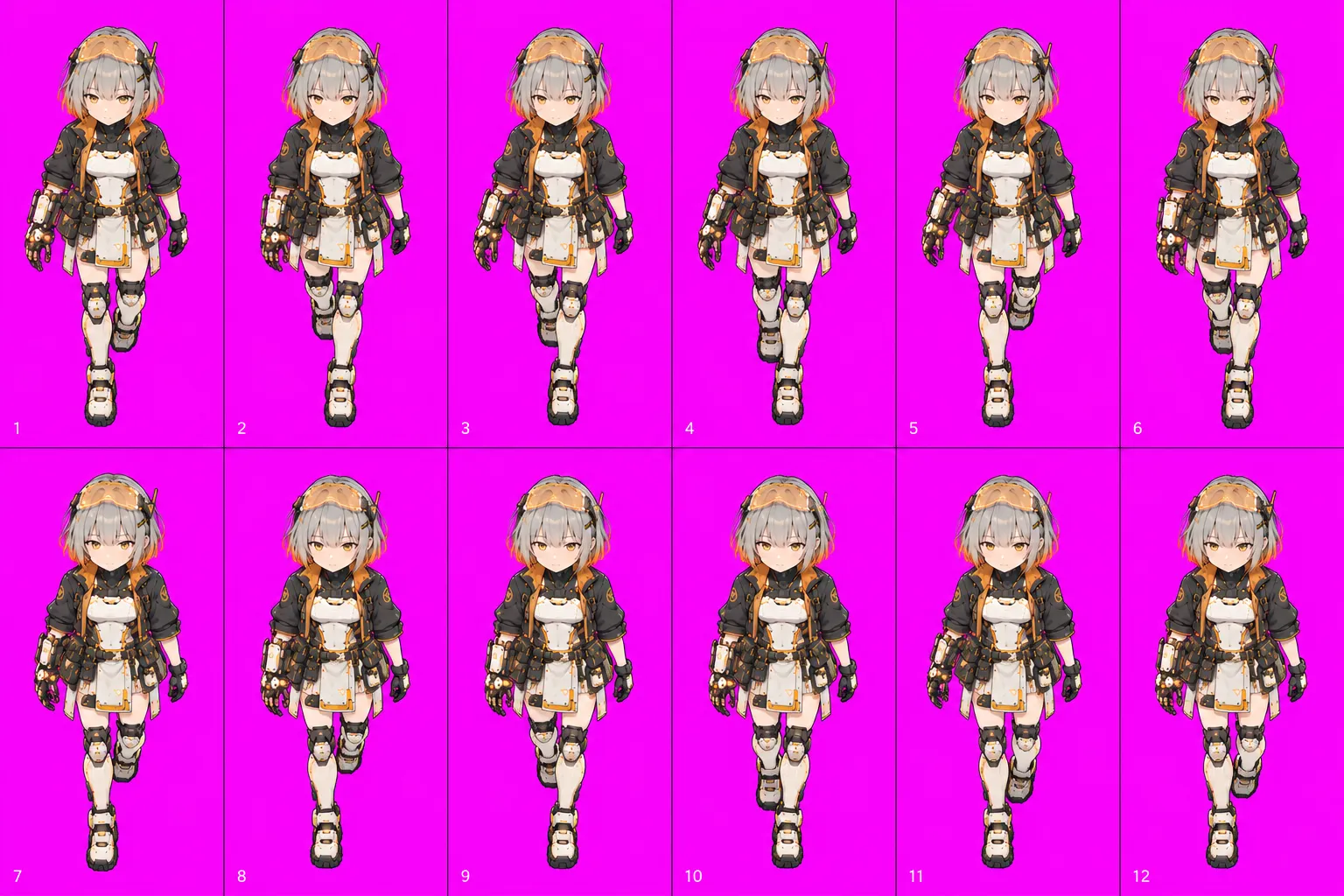
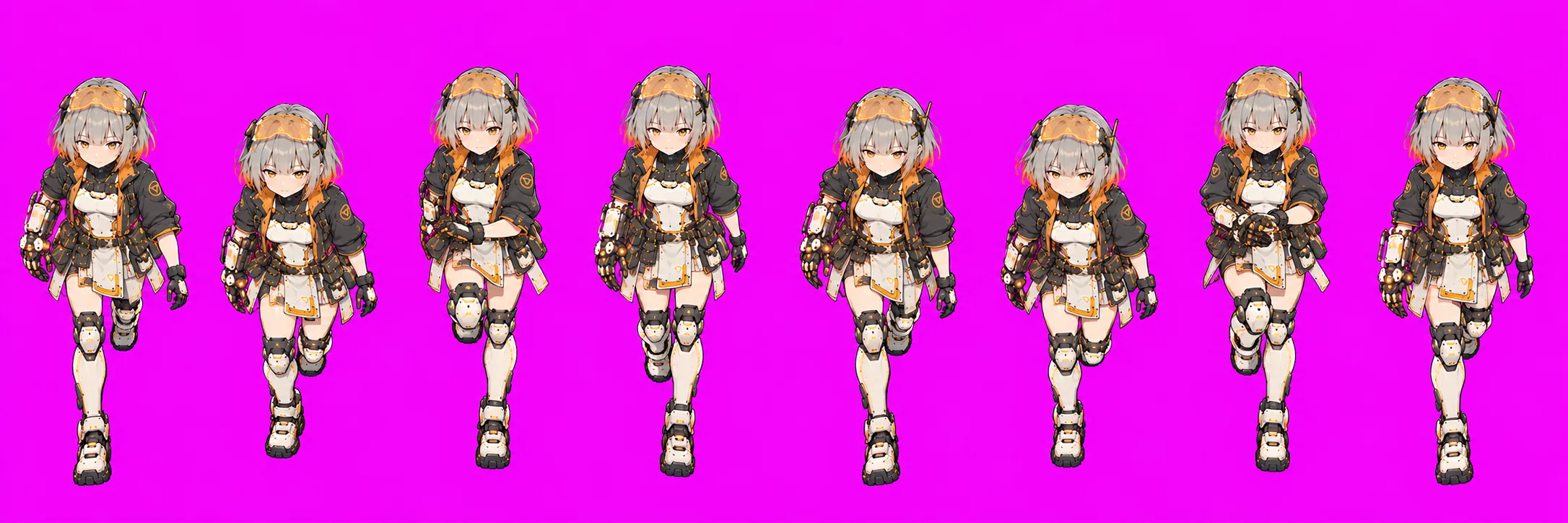
ChatGPT is very reliable at single poses, so I asked it for a 12-cell front walk in one image. The problem is it has no sense of continuity: neighboring cells often switch which foot is forward, and there are no in-between poses where the legs cross. Played back, she just twitches in place.
5. Veo: describing the motion in words
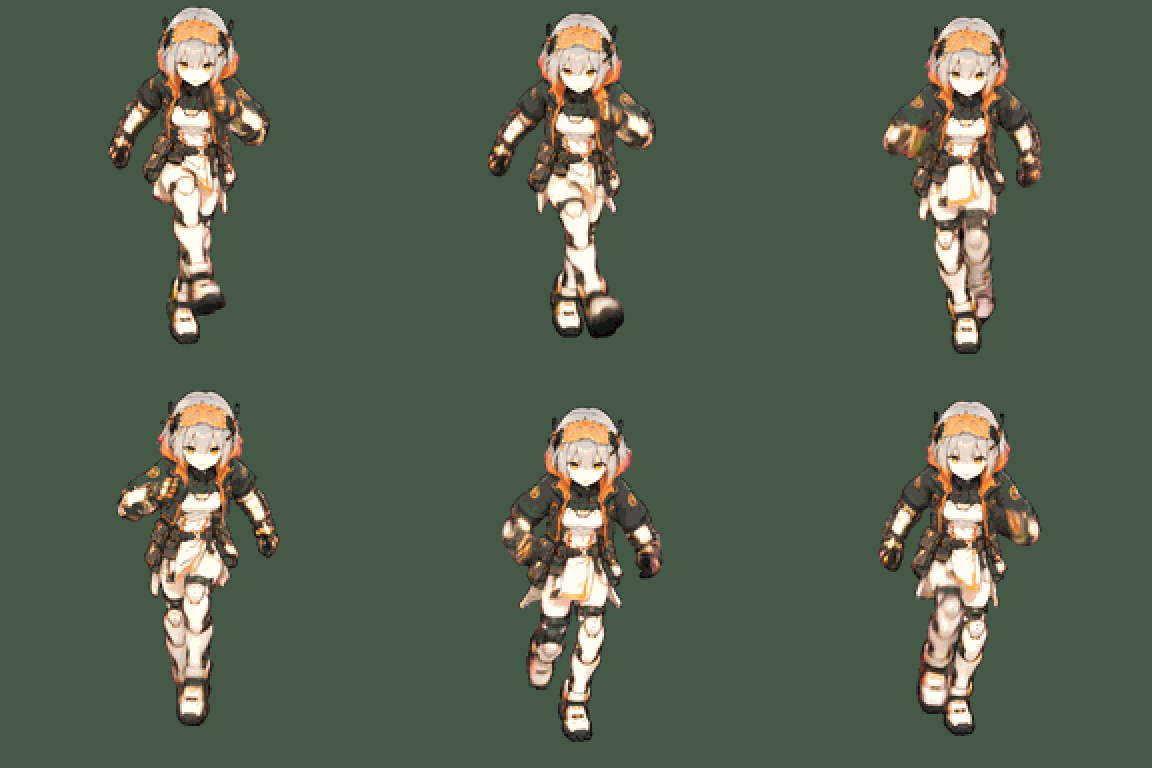
If image models don’t understand continuity, why not generate a walking video with Veo and pull frames from it? The motion was continuous now — but with only an anchor image plus a text description, she walked far too daintily, with no energy. And the longer the prompt, the more Veo latched onto some single word and overdid it.
What finally worked
By this point the lesson was clear: let each model do only the one thing it’s good at.
- ChatGPT (web) draws only static poses: the standing anchor, plus keyframes at the moment of a big stride.
- Veo only handles the motion between two poses: in first/last-frame mode, you give it the first and last frame and it fills in the 4 seconds in between.
- A script does the rest: keying, normalizing size, picking frames, packing the sprite sheet.
Break the motion down first
Before generating anything, I worked out exactly which motions the game needs and how they connect. Ying’s map movement breaks into three pieces:
| Motion | Playback | Generated from |
|---|---|---|
| Walk | Loop | keyframe A → B → A |
| Stop | Once | keyframe → standing |
| Idle | Loop | standing → standing (breathing) |
The switching rules are simple:
press a direction → start walking immediately (no start-up transition; feel comes first)release the key → play "stop" once, then go to idlepress again mid-stop → interrupt, back to walkingSkipping a start-up transition is deliberate: the moment the player presses a key, the character should move — even a few frames of delay feels sticky. Stopping is the opposite: a few frames of settling look natural.
One more trick: when you let go mid-walk, half the time the other foot is forward. Front and back views are left-right symmetric, so in that case I just play the stop animation mirrored and it lines up — no extra video needed. Side views don’t get this, since mirroring would flip the facing direction too.
Broken down like this, each direction needs only 2–4 short videos, and everything revolves around two images: the keyframe and the standing pose.
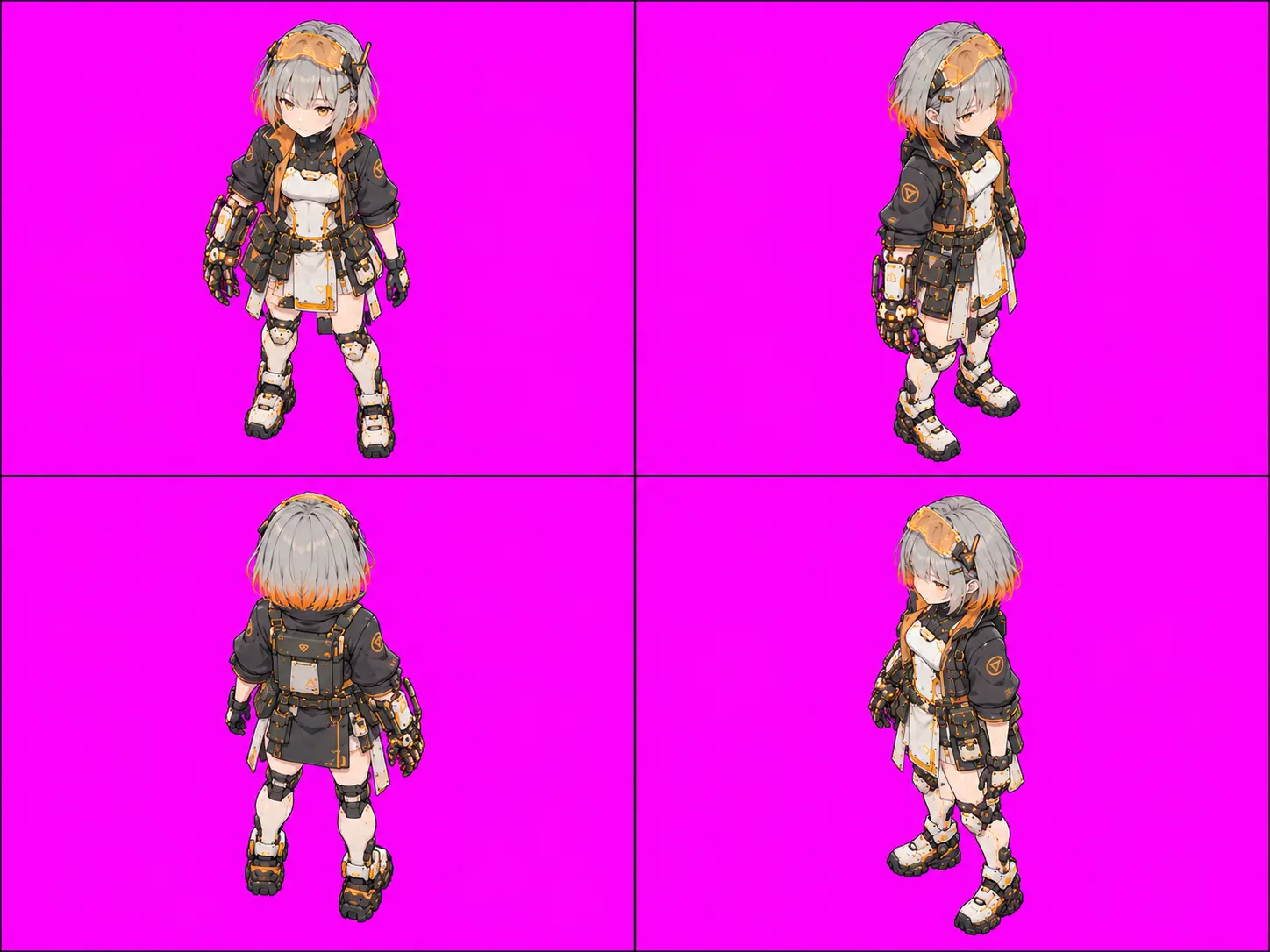
1. Anchor and keyframes
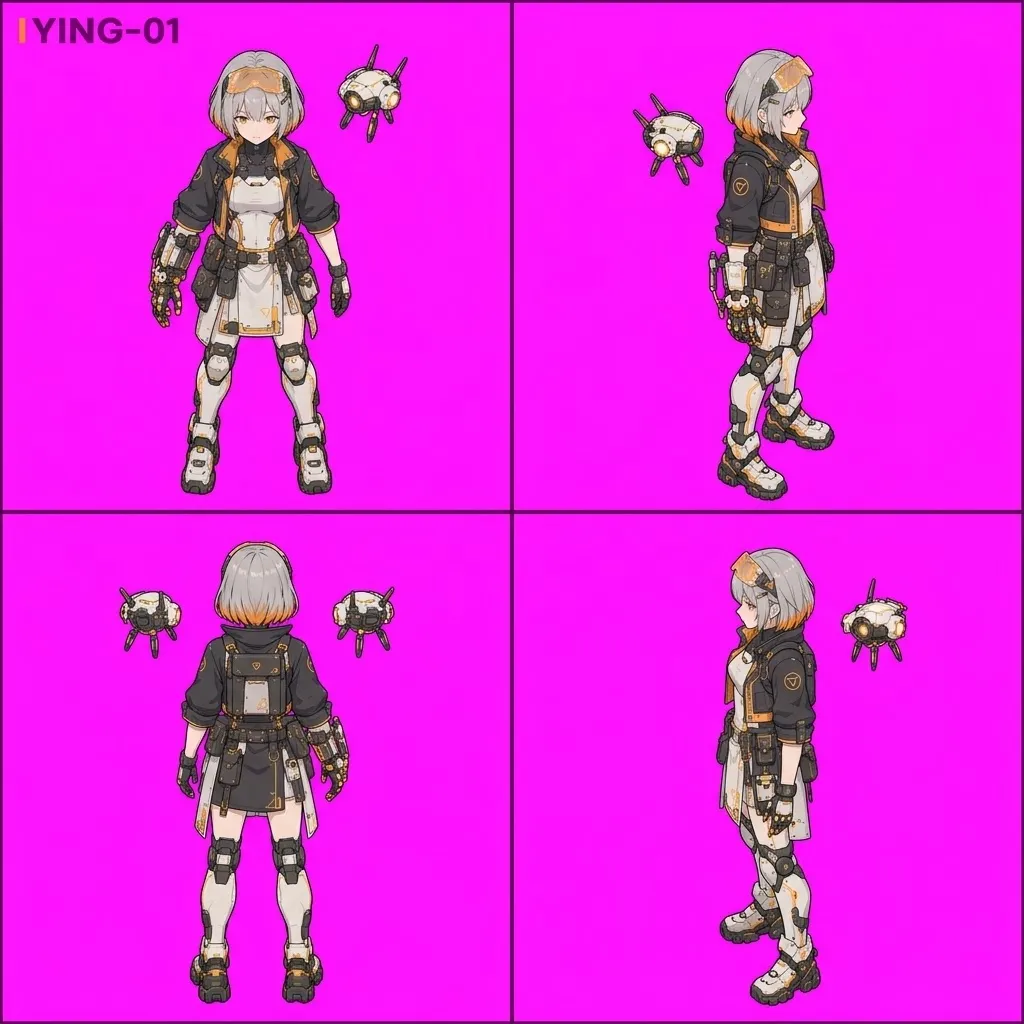
First, ChatGPT draws a four-direction standing anchor at a 35° top-down angle. This locks in the camera angle:
Then a keyframe for each direction: the moment of a big stride, one foot forward. Front and back are symmetric, so the “other foot forward” frame is just a horizontal mirror — no need to draw it.
2. Veo fills in the motion
Each direction gets a few 4-second videos:
- Walk: keyframe A → mirrored B, and B → A; join the two and you have a full walk cycle
- Stop: keyframe → standing
- Idle: standing → standing, just gentle breathing
Prompts are as short as possible and only describe the movement, e.g. “brisk long strides, facing the camera, static camera”. Lesson learned: the more you describe, the more it drifts.
3. Side view: same image for first and last frame
The side view was the hardest. When I asked ChatGPT for the “other foot forward” side pose, the two images came out almost identical no matter how I rewrote the prompt.
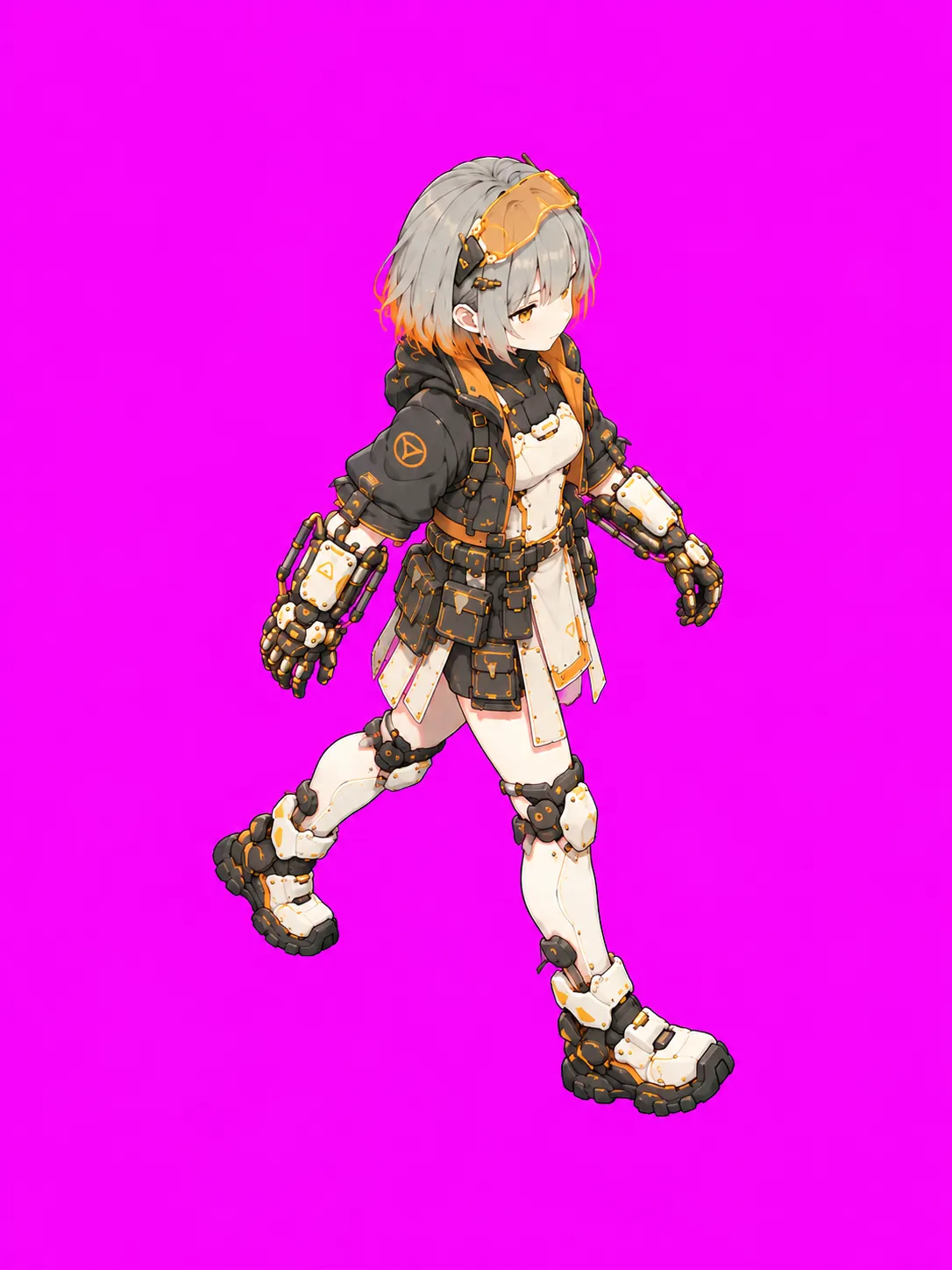
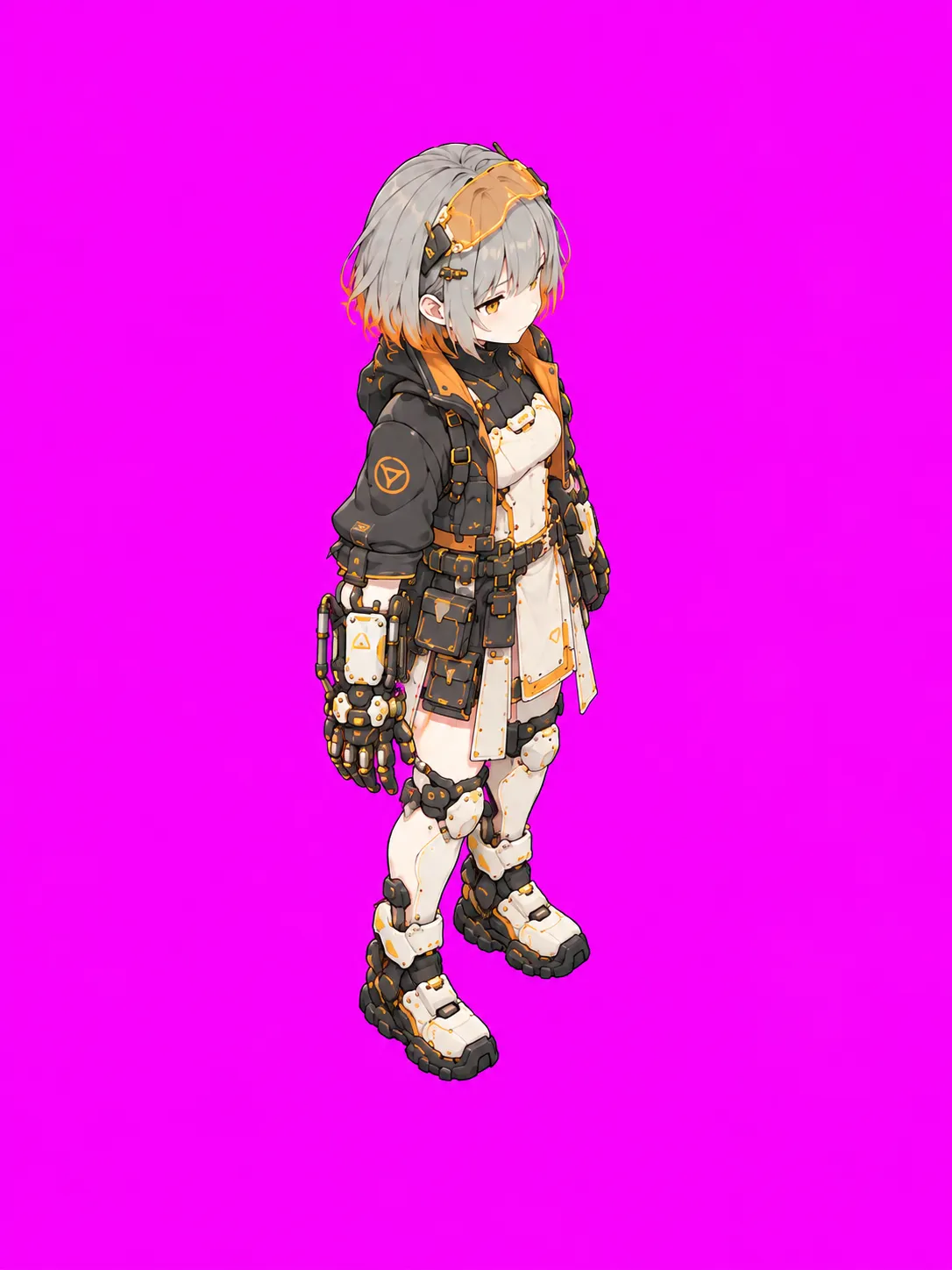
So I dropped the second image entirely: the same keyframe is both the first and last frame, Veo walks her through a full cycle back to the starting pose, and I cut one complete gait cycle out of the middle of the video. It actually worked well. West is just east mirrored.
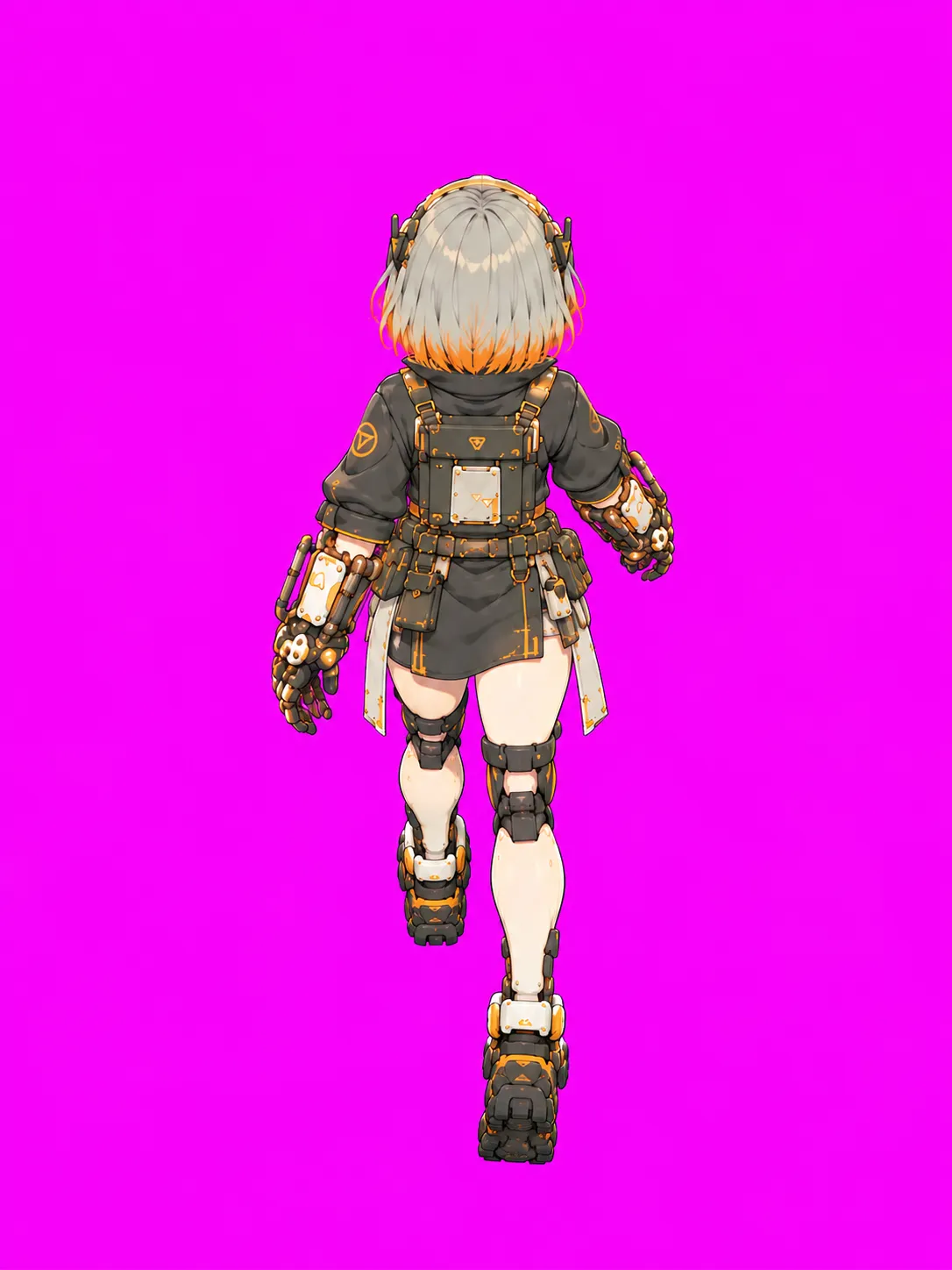
4. Back view: cutting out the bad part
The back view followed the front-view recipe, but in one video her leg suddenly kicked out to the left mid-stride. Regenerating fixed half of it; the rest I fixed with an edit — find the most similar frame on each side of the bad section and join them directly. The seam is practically invisible.
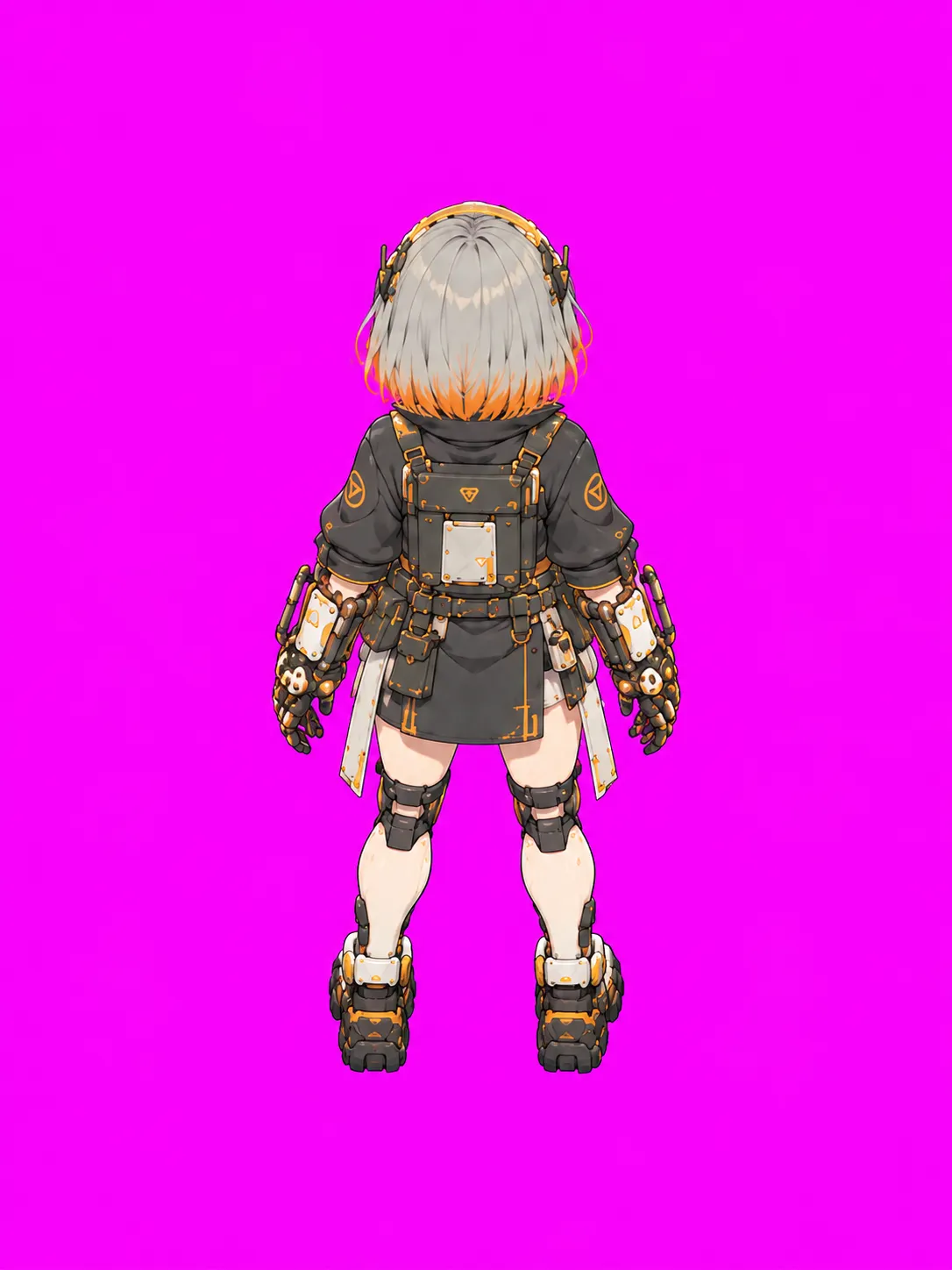
5. Picking frames and fixing size
The speed inside a video isn’t even — some parts are fast, some slow. Sample at fixed time intervals and the in-game animation stutters. So I sample by amount of motion instead:
change between each pair of frames → add up into a "motion progress" curvetake 12 evenly spaced points along that curve → those are the 12 framesAnother gotcha: ChatGPT’s keyframes are consistently drawn a bit larger than the standing pose, so she’d grow and shrink while walking. The fix is to compute the ratio from head width and scale the walk frames back to standing size; the stop animation ramps from walking size to standing size so there’s no pop when she comes to rest.
Finally, walk, stop and idle for all four directions go into one sprite sheet that the game reads row by row. Here’s every motion cropped straight from the original Veo videos — no downscaling, no color grading — so you can see the detail:
Cost
The whole trial-and-error process for Ying, including every failed attempt above, cost $6.91 in API usage (ChatGPT web is a subscription and isn’t counted).
Takeaways
- Image models are good at single poses and bad at consecutive frames; video models are the opposite. Use each for its half.
- Keep prompts short and let the reference images do the talking.
- Side views don’t need two keyframes — use the same one as first and last frame.
- Sample frames by motion, not by time.
This pipeline will be reused for Ju and Yao, and for new actions like working. Hopefully next time with fewer pitfalls (๑•̀ㅂ•́)و✧